We've Just Launched the Icon Maker
For that black square I forgot about
When I built Daily Adventure, I was focused on getting stories working, sorting the alarm, fixing calendar integration. The icon that appears on the Yoto player screen? Just a black square. I completely forgot about it. Then one day I'm looking at Daily Adventure on a Yoto and this black square is staring at me, and all I can think is what a waste of space.
If you have a Yoto, you know Yoto Radio - they read out kids' birthdays, answer questions, feature drawings. It's great, but they can't feature everyone when thousands of kids are listening. Most don't get their moment, but the ones who do? You can see what it means to them. I thought about my son and how he lights up knowing people listen to stories he's helped shape, that pride when I tell him his feedback is in the Daily Adventure stories other families hear. Could we do something similar with that black square?
What We've Built
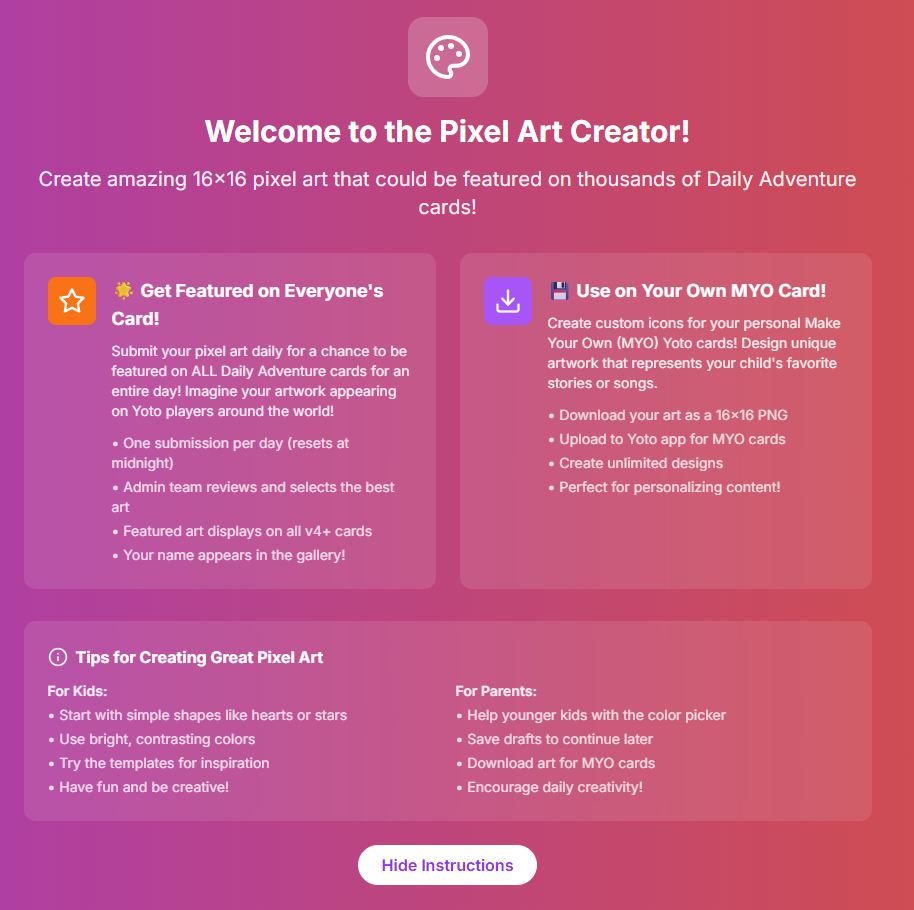
The Icon Maker lets kids create 16x16 pixel art - the exact size of a Yoto screen icon, so what they make fits perfectly on the player. It's fairly basic at the moment with simple drawing tools and 16 colours to start with (we'll keep adding more), plus some templates to help them get going. Very tablet friendly so even younger kids can use it easily. Honestly, it took longer to realise we should do something with the icon than it did to build the first version.
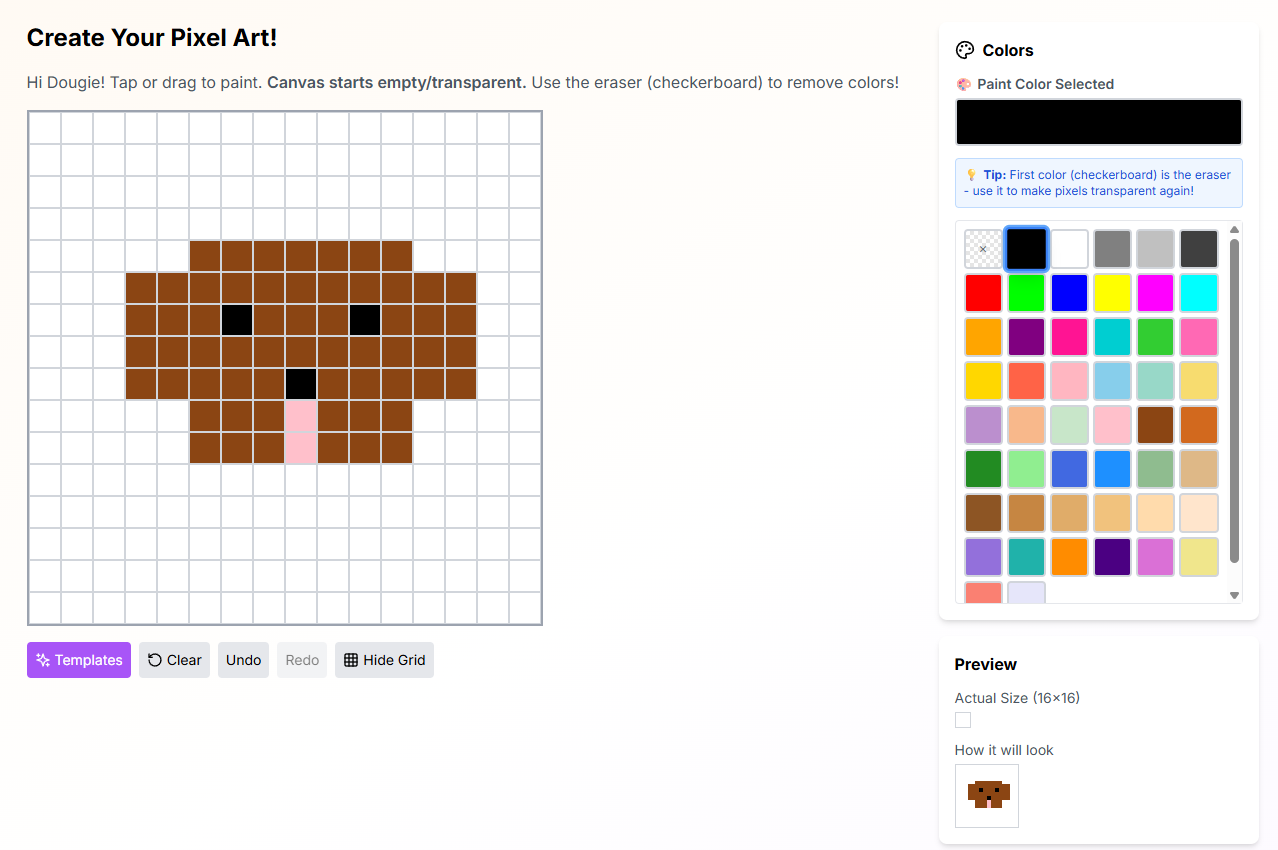
Kids can submit as many pixel art pieces as they want with no limits or "one per day" rules. Each day I review submissions looking for one thing: is it a clear picture? Doesn't matter if the art is good or bad, as long as it's not rude and not just a block of colour, it goes on the shortlist. The system then picks randomly from the shortlist each day, and that becomes the Daily Adventure icon everyone sees on their Yoto card.
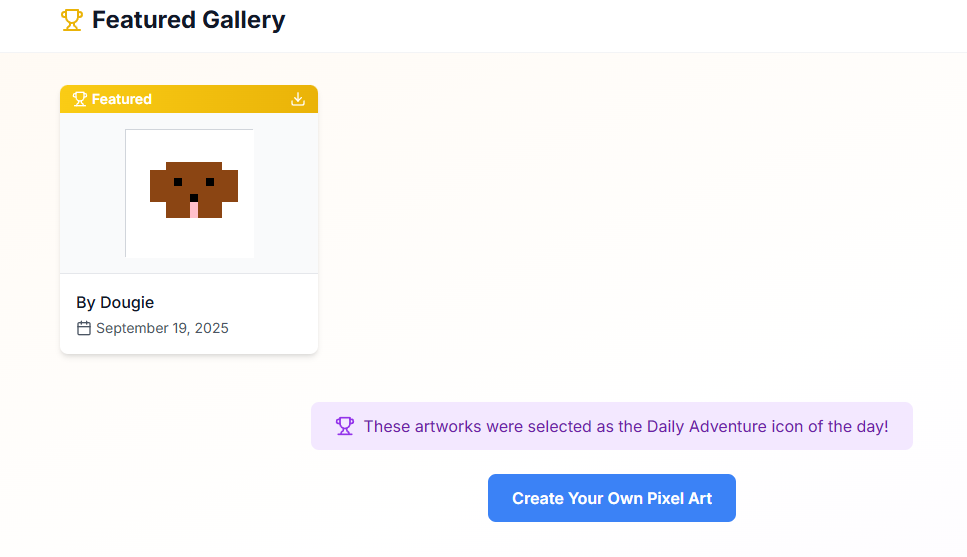
Submit something today and it might appear tomorrow, or it might be next week - it's in the rotation, just waiting its turn. You can check the featured icon on the website each day (It shows on the homepage too!).
I want as many kids as possible to have that moment where they can say "my art is on everyone's Yoto today." If I picked favourites, it would be the same talented kids every time, but random means a 4-year-old's wobbly dinosaur has the same chance as a 12-year-old's detailed castle. As we grow, we might split it down by age groups or regions or whatever makes sense, but right now it's one icon a day, randomly picked from everything we possibly can.
It's the same thing my son gets from knowing his feedback shapes the stories - pride, ownership, being part of something bigger than just listening. When their pixel art appears, they can tell their friends "that's mine, everyone using Daily Adventure saw it today." Worth building for that alone.
Technical Details
The 16x16 grid matches the Yoto screen size, with colours selected to look good on that display. It's touch-friendly for tablets and mouse-friendly for computers, with auto-save so work doesn't get lost. You can also download icons to use on your own MYO content, and import and export to keep editing. Simple on purpose because it just needs to get the job done.
How to Get Started
If you're already using Daily Adventure, you'll find the Icon Maker in the navigation menu after you sign in. You can also go directly to dailyadventure.io/pixel-art when you're logged in.
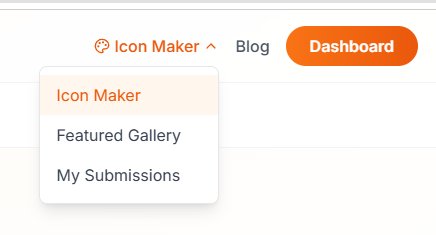
If you're new to Daily Adventure, you'll need to sign up first - once you're in, the Icon Maker is ready to use.
Create your pixel art using the 16x16 grid and colour palette. You can make as many as you like - there's no limit on submissions. When you're happy with it, submit it to the gallery. From there, it joins the rotation and will be featured as the daily icon when it's randomly selected.
Check back each day to see which icon is featured - it might be yours tomorrow, or next week, but it's in the queue waiting for its moment.
Icon Maker: dailyadventure.io/pixel-art